 01
01
Install the plugin
After subscribing to Stripe, install Pay With Stripe. Insert the product shortcode or Elementor widget anywhere on your website.

WordPress plugin · Pay With Stripe
The easiest way to accept payments and subscriptions on your WordPress website. Just connect your Stripe account and start selling.

Move your business online
Pay With Stripe fetches all the products you already have in Stripe. No need for a full online store: place the buy button wherever you want and Stripe takes care of the rest.
How it works
Just connect your Stripe account and Pay With Stripe gets all the products there for you.
01
After subscribing to Stripe, install Pay With Stripe. Insert the product shortcode or Elementor widget anywhere on your website.
 02
02
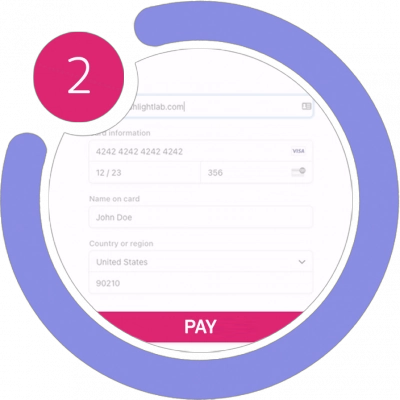
Customers pay through Stripe's secure gateway, which takes care of the payment and collects the shipping details for you.
 03
03
Checkout is complete. You choose the landing page the checkout redirects to.
Pay With Stripe
Download the free version from WordPress.org. Questions? Check the documentation or talk to us.