
Go to Appearance → Menus and select the desired menu.
Hover a menu item and click the “Menu Image” button. A modal window opens where you choose between an image or an icon.
With the Icon option you can use the Dashicons that come with WordPress or the FontAwesome icons.
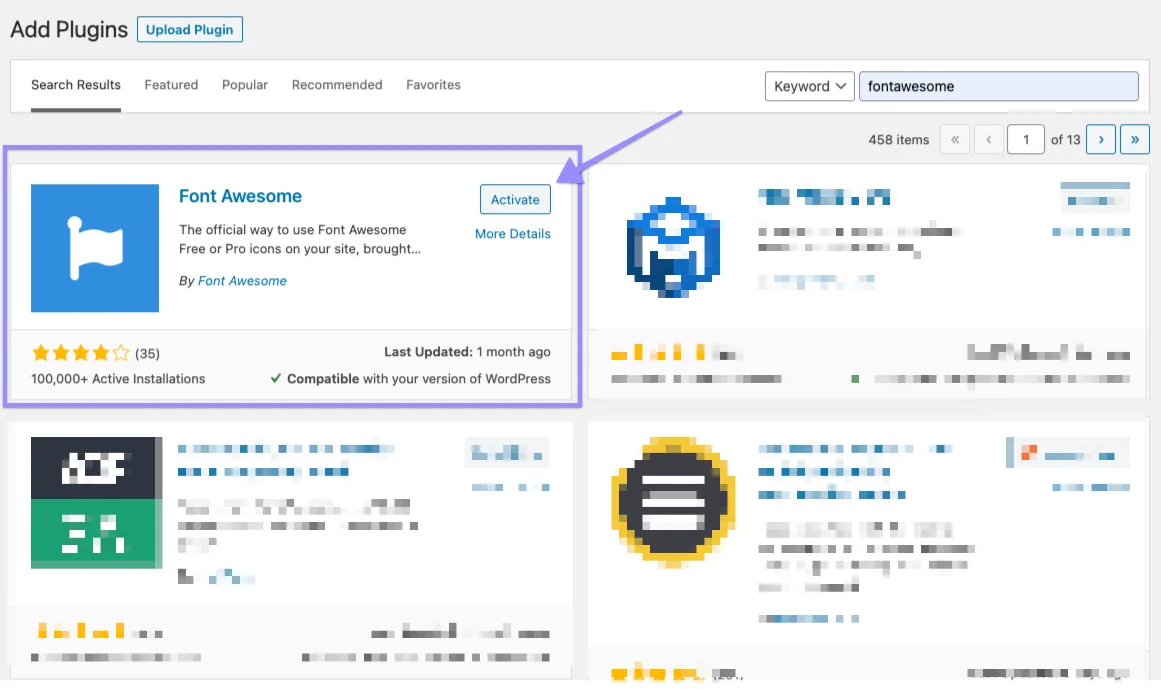
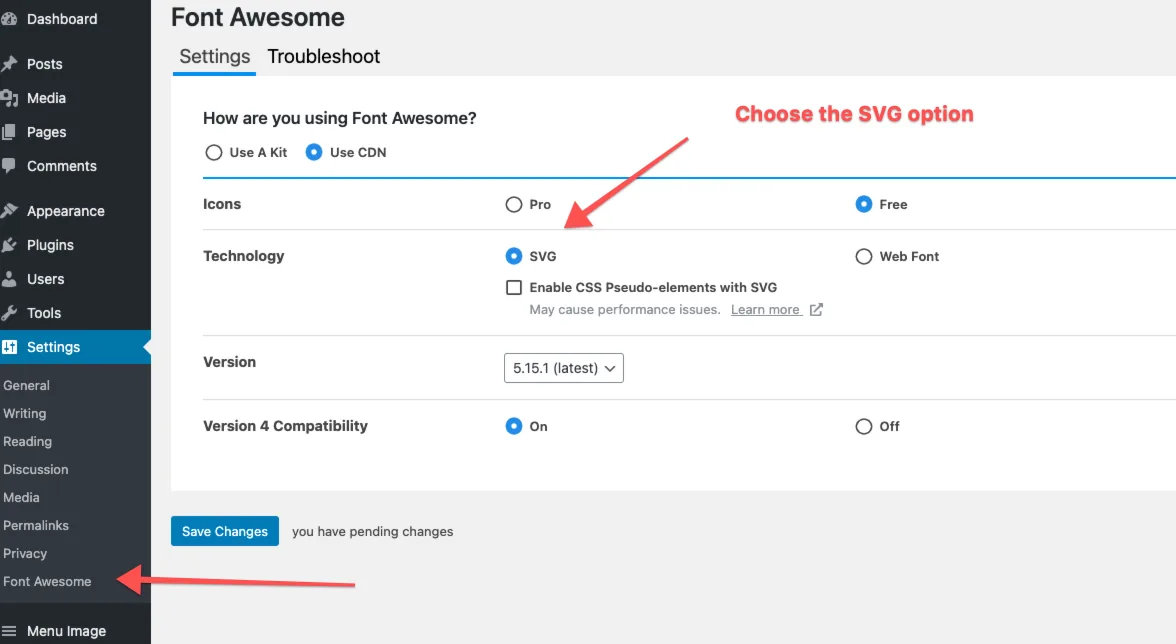
To use the FontAwesome icons you need to install their official plugin.
Didn't find the answer?
Contact support